
Website Menu
Customers browse the café menu and click any Order button.
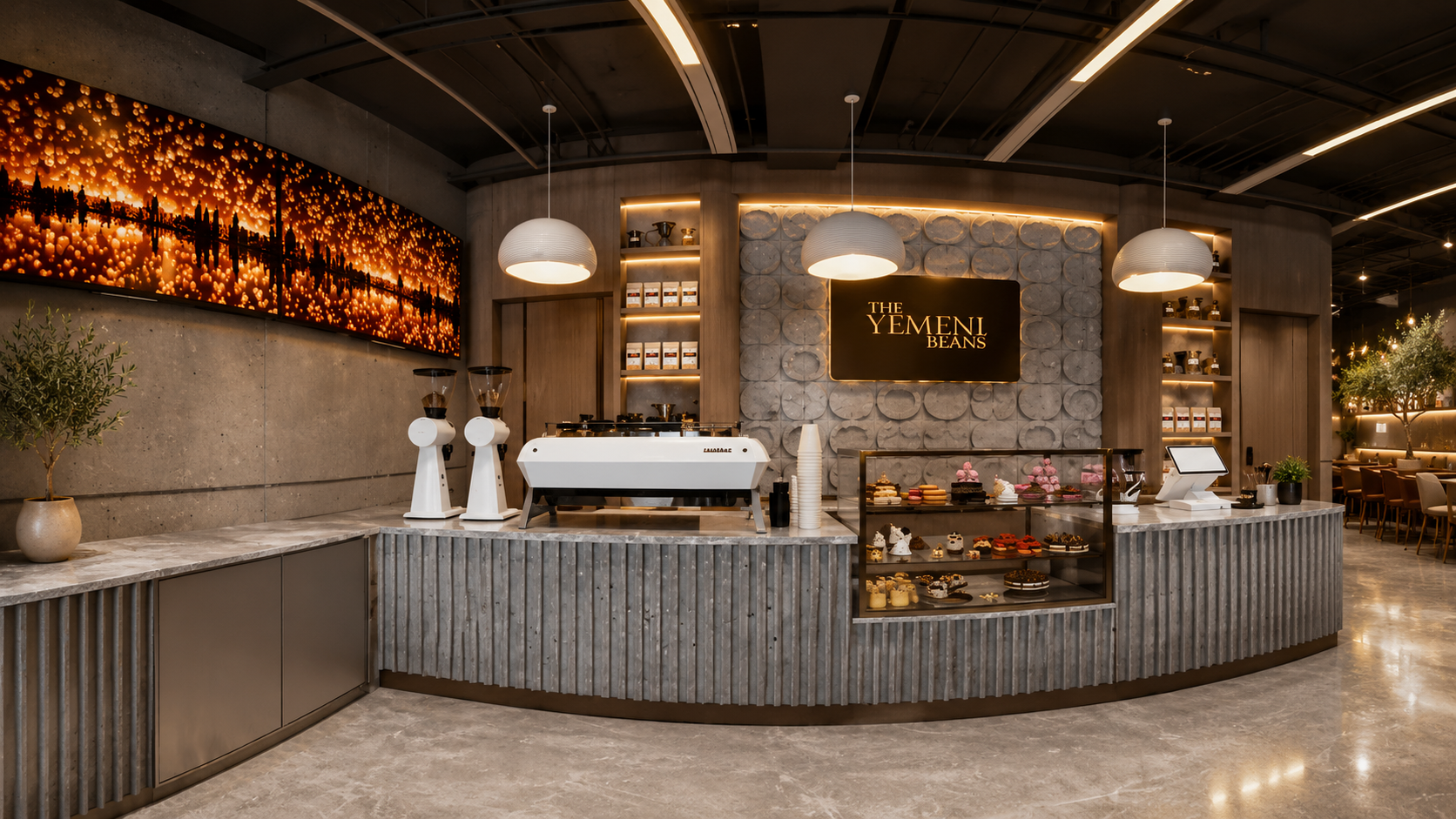
Our website connects directly to Toast/POS. Toast handles the cart, checkout, payment, pickup timing, and POS/kitchen routing.
Customers browse the café menu and click any Order button.
Toast opens and handles cart, item modifiers, taxes, tips, and checkout.
Once confirmed in Toast, the order routes to the POS/kitchen setup.
Paste your Toast/POS order link one time in WordPress Customizer. Header buttons, menu buttons, location buttons, and footer buttons will automatically send customers to that link.
Go to Appearance → Customize → The Yemeni Bean Settings and paste the Global Toast/POS Order Link.
Open Customizer